Google Pixel 11 Is eSIM-Only in the US in 2026: What It Means When You Travel
Google unveiled the Pixel 11 series on August 12, 2026. US models still ship without a SIM tray, European units keep physical SIM, and the Pro Fold is the odd one out. Here is what changes for travelers.
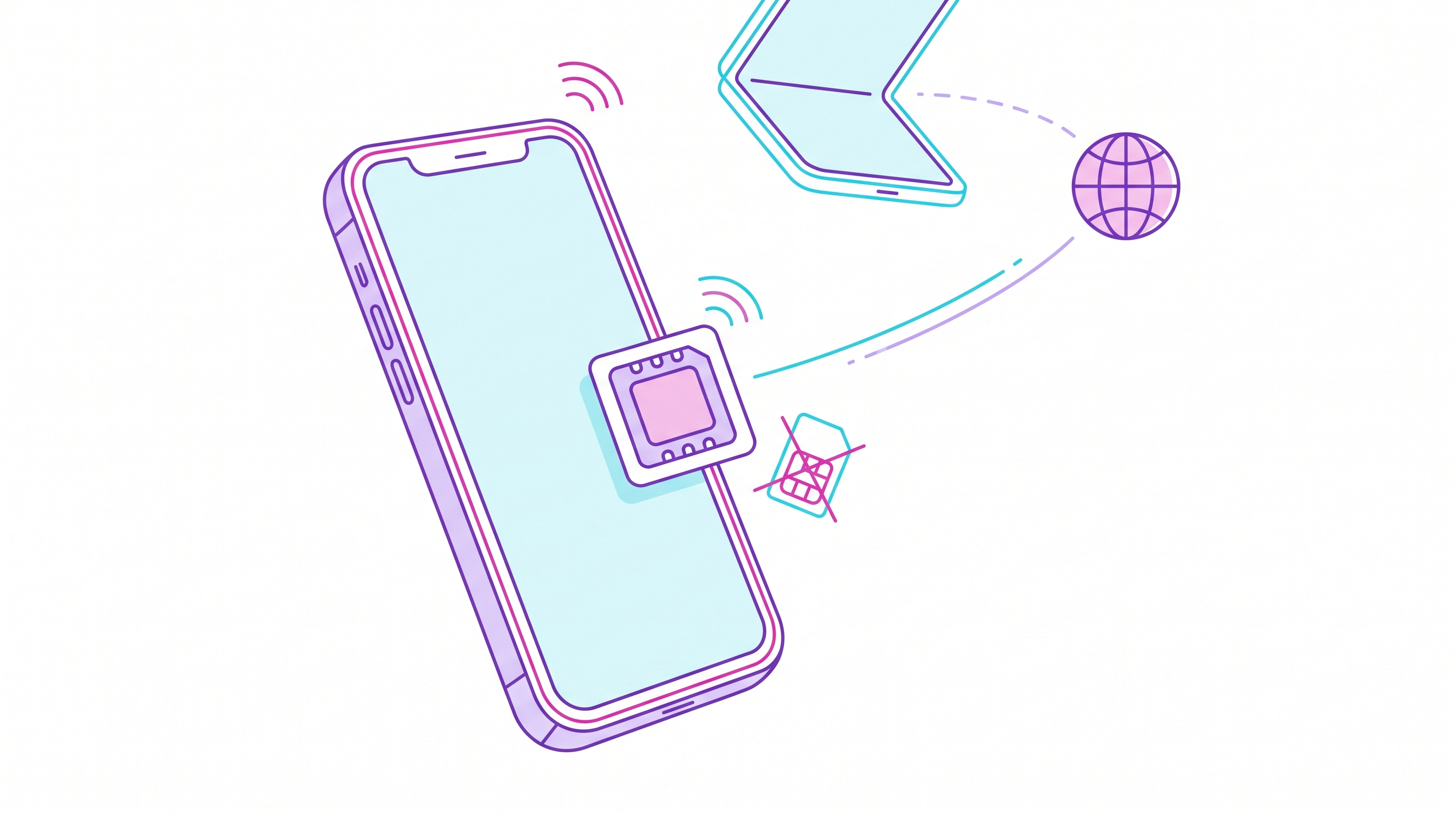
Google unveiled the Pixel 11 series at its Made by Google event on August 12, 2026, and the headline for anyone who travels is not the camera or the chip. It is the missing slot.
For US buyers, the Pixel 11, Pixel 11 Pro and Pixel 11 Pro XL are eSIM-only. There is no physical SIM card slot at all. Google has held this line since the Pixel 7 generation in the US, and the Pixel 11 does not walk it back.
What Google actually shipped
The 2026 lineup breaks down like this:
- Pixel 11, Pixel 11 Pro, Pixel 11 Pro XL (US models) — eSIM-only, no SIM tray.
- Pixel 11 Pro Fold — the exception. It keeps physical SIM support alongside eSIM.
- International models (Europe and other regions) — physical SIM plus eSIM, and dual-eSIM where the operator allows it.
On the eSIM side the specs are generous. The Pixel 11 can run two eSIM profiles active at the same time and store up to eight profiles on the device. It also carries Satellite Capable, Satellite Data Capable and Satellite SOS features for emergencies out of coverage.
That combination — two active lines, eight stored profiles — is the part travelers should read twice.
Why this matters when you cross a border
The old travel routine was mechanical: land, find a kiosk, pop the tray with a paperclip, swap in a local SIM, and hope you do not lose the original one in a hotel drawer. On an eSIM-only Pixel that routine is simply gone. There is no tray to open.
That sounds like a loss of freedom. In practice it is closer to the opposite, provided you plan before you fly:
You keep your home number. Your primary line stays installed as an eSIM. Calls and SMS from your bank, your airline, your two-factor codes — all of it keeps arriving. You just turn mobile data off for that line so it does not roam.
You add data as a second line. A travel eSIM installs as profile number two and handles all your data. Both lines run at once, which is exactly what the two-active-profile limit is for.
You can pre-load the whole trip. Eight stored profiles is a lot. On a multi-country itinerary you can install a regional eSIM for Europe, a separate one for Japan, and one for a stopover, then switch between them in Settings without touching a store.
Where it stings is the improvisation case. If you land somewhere, decide you want a cheap local prepaid SIM, and the local carrier only sells plastic — you are stuck. Some markets still have carriers with no eSIM support, or eSIM offerings restricted to residents with local ID. That is the real cost of a missing tray, and it is why buying your data eSIM before departure has quietly become the default advice.
The wider pattern
Pixel is not alone. Apple has pushed eSIM-only into more markets, and the industry has been moving in one direction for several years — see our piece on eSIM-only phones taking over in 2026 and on Apple going eSIM-only in Europe.
The interesting wrinkle in 2026 is that manufacturers are no longer uniform about it. Google keeps the tray in Europe and drops it in the US. Apple has moved region by region. The Pro Fold keeps a tray while its non-folding siblings do not. So "does this phone have a SIM slot" now depends on where you bought it, not just which model it is. If you buy a phone abroad or import one, check the regional variant before you assume.
What to do before your next trip
A short, practical checklist for a new eSIM-only Pixel:
- Confirm your home carrier supports eSIM transfer. If you are migrating from an older phone, do this at home, on Wi-Fi, before you pack. Transferring a line onto an eSIM-only device from a foreign country is a bad time to discover a support-ticket requirement.
- Buy your travel data eSIM before you fly. Install it while you still have working internet. The QR code or activation link needs a connection to provision, and airport Wi-Fi is not a plan.
- Turn off data roaming on your home line. This is the single step that prevents a surprise bill. Keep the line active for calls and SMS, kill its data.
- Set the travel eSIM as your default for mobile data, and leave your home line as default for calls.
- Label your profiles. With up to eight stored, "Personal", "Japan", "Europe" beats three entries all called "Mobile Data".
Providers like HOLASIM sell region-wide travel data eSIMs that install in a couple of minutes and activate the moment you land, which fits this workflow cleanly — one profile bought at home, switched on at the gate.
If you are setting up a travel eSIM for the first time, our step-by-step setup guide walks through the whole process on both Android and iOS.
The tray is not coming back. The good news is that once the workflow clicks — home line for identity, travel eSIM for data, both live at once — most travelers stop missing it within one trip.