Airport Wi-Fi Is Still a Hacker's Playground in 2026 — Here's the Safer Fix
New security reporting this week shows airport Wi-Fi remains a top target for hackers. Here's why a travel eSIM, not a VPN alone, is the real fix.
Airport Wi-Fi Is Still a Hacker's Playground in 2026 — Here's the Safer Fix
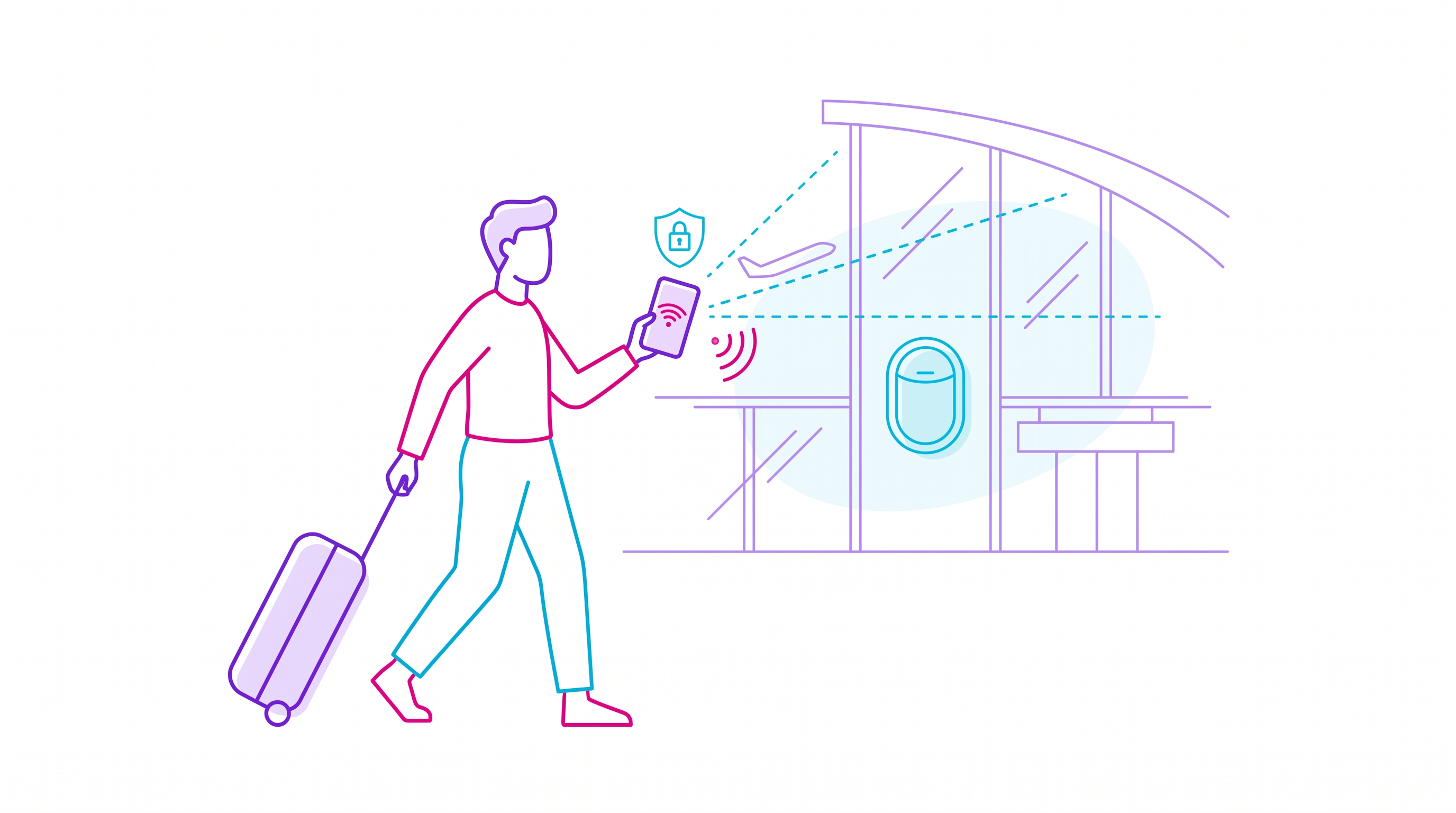
A fresh wave of cybersecurity reporting this week (September 24, 2026) is renewing an old warning: public Wi-Fi at airports remains one of the easiest places for criminals to intercept a traveler's data. Despite years of "use a VPN" advice becoming common knowledge, security researchers say airport networks are still a favorite hunting ground because travelers are tired, rushed, and more likely to connect to whatever network shows up first — real or fake.
What's actually happening
The core techniques haven't changed much, but they've gotten easier to pull off. Attackers set up rogue access points with names like "Airport_Free_WiFi" or "Terminal_Guest" that mimic the real network almost perfectly; once a device connects, traffic can be intercepted, login credentials harvested, and in some documented cases, malware pushed directly to the device. Man-in-the-middle attacks on legitimate airport networks are also still viable in airports that haven't upgraded to modern encrypted portal standards, meaning even a "genuine" airport hotspot can leak more than travelers expect.
Why airports specifically
Airports concentrate exactly the conditions that make these attacks profitable: thousands of daily connections, high device turnover, travelers checking banking apps and boarding passes in the same session, and — critically — a captive audience that often has no working data connection to fall back on. That last point is the one most travel advice misses: people don't use unsafe airport Wi-Fi because they don't know the risks. They use it because it's the only connection available.
The eSIM angle security reporting keeps missing
Most of the coverage on this topic ends with generic advice: use a VPN, avoid entering passwords, turn off auto-connect. All of that is correct, but it treats the symptom rather than the cause. The actual fix is not connecting to unknown networks in the first place — and that's only realistic if you already have your own reliable, encrypted mobile data connection the moment you land, before you've even reached passport control. A travel eSIM installed and activated before departure means a traveler never needs to open the Wi-Fi settings menu at all: maps, ride-hailing apps, boarding-pass wallets, and two-factor authentication codes all run over a private cellular connection instead of a shared public network anyone in the terminal can listen in on.
Practical steps for your next trip
If you're flying internationally in the coming weeks, the safest setup looks like this: install a travel eSIM with local or regional data before you leave home, keep Wi-Fi auto-join switched off on your phone, and treat any airport network — even ones with the airport's real name — as public and untrusted by default. If you must use airport Wi-Fi for something bandwidth-heavy, pair it with a reputable VPN and avoid logging into banking or email while connected. For everything else — messaging, maps, ride shares — your own eSIM data is both faster and dramatically safer than anything the terminal offers for free.
HolaSIM's travel eSIMs activate before you board, so your phone has a private connection the second you land, no terminal Wi-Fi login screen required. For a full breakdown of the cost difference between eSIM data and traditional carrier roaming, see our guide on eSIM vs roaming in 2026.
Security researchers expect this warning to resurface every few months as travel volumes keep climbing — the advice doesn't change, but each cycle serves as a reminder that the safest way to avoid a compromised airport network is to simply never need one.