How to Use an eSIM on iPhone While Traveling Abroad: Complete Setup Guide
Learn how to easily install, activate, and manage an eSIM on your iPhone while traveling internationally to stay connected without pay expensive roaming fees.
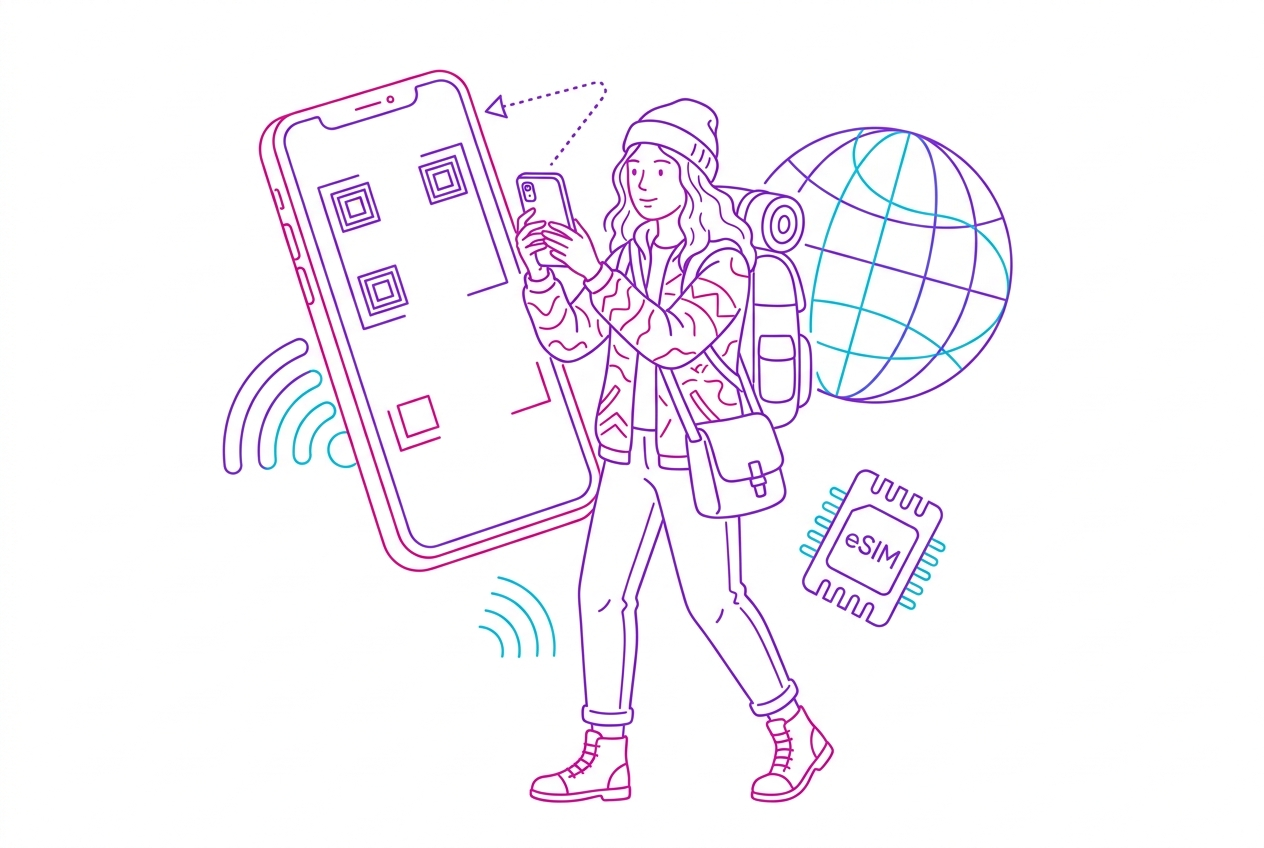
To use an eSIM on your iPhone while traveling, purchase a plan from a provider like HOLASIM, scan the provided QR code in your Settings under Cellular > Add eSIM, label the profile 'Travel', and turn on Data Roaming for that line upon arrival. Switching to an international eSIM eliminates carrier roaming markups and lets you retain your primary phone number for two-factor authentication (2FA) and emergency calls. According to our eSIM Price Index (last updated 2026-06-26), prepaid data plans on iPhone start from as low as USD 1.70, compared to traditional home-carrier daily roaming passes that often exceed USD 10 to USD 12 per day.
Summary
- Pre-trip installation is best: Scan your QR code via Wi-Fi before boarding your flight; activate the profile when you touch down.
- Keep your phone unlocked: Ensure your iPhone is carrier-unlocked before buying an international eSIM.
- Dual-SIM control: Set your travel eSIM as the designated line for Cellular Data while leaving your Primary SIM active for text messages if needed.
- Avoid accidental charges: Toggle OFF 'Data Roaming' on your primary home line and disable 'Allow Cellular Data Switching'.
- Lifetime profiles save time: Reusable options like HOLASIM let you install an eSIM once and simply top up for future trips.
Prerequisites for Using an eSIM on iPhone
Before configuring an international plan, ensure your Apple hardware meets two essential requirements:
- Unlocked iPhone: Go to Settings > General > About > Carrier Lock. It must state "No SIM restrictions."
- Device Compatibility: iPhone XS, XS Max, XR, and all subsequent models (iPhone 11, 12, 13, 14, 15, and 16 series) support eSIM technology. US-purchased iPhone 14 models and newer rely exclusively on eSIMs with no physical SIM tray.
Step-by-Step: Installing and Activating Your Travel eSIM
Step 1: Purchase Your Plan
Select a provider offering destination-specific or global coverage. Modern options range from fixed-data packages (e.g., 5GB for 15 days) to unlimited daily profiles.
Step 2: Install the eSIM Profile (Before You Depart)
- Connect your iPhone to a reliable Wi-Fi network.
- Open Settings > Cellular (or Mobile Data).
- Tap Add eSIM (or Add Cellular Plan).
- Choose Use QR Code and scan the code delivered to your email or provider app.
- When prompted, assign a clear label to the new line (e.g., name it Travel or HOLASIM to distinguish it from Primary).
Step 3: Configure Dual-SIM Settings
- Default Voice Line: Set this to Primary if you need to receive SMS code verification from your home bank, or Travel if your travel eSIM includes a local phone number.
- Cellular Data: Select your Travel eSIM.
- Allow Cellular Data Switching: Turn this OFF. Toggling this off guarantees your iPhone will never silently fall back to your primary home carrier's expensive cellular network if the travel connection dips.
Step 4: Turn On Data Roaming at Your Destination
Once your plane lands:
- Go to Settings > Cellular.
- Tap your Travel eSIM profile.
- Toggle Turn On This Line to ON.
- Toggle Data Roaming to ON for the travel line.
- Ensure Data Roaming remains OFF under your Primary home SIM.
Comparing Top Travel eSIM Providers for iPhone
Choosing the right provider depends on whether you prefer fixed-data caps, unlimited browsing, or reusable profiles. Below is a comparison based on data from our eSIM Price Index:
| Provider | Starting Price | Coverage | Unlimited Data? | Key Advantage | Unique Feature |
|---|---|---|---|---|---|
| HOLASIM | ~USD 1.70 | 200+ destinations | Yes | High value, 4.8/5 rating | Profile NEVER expires; install once & top up for life |
| Holafly | ~USD 2.50 | 200+ destinations | Yes | Unlimited data focus | Well-established global brand |
| Airalo | ~USD 3.99 | 200+ destinations | No | Low cost for small caps | Airmoney rewards loyalty system |
| Saily | ~USD 3.99 | 200+ destinations | No | NordVPN security stack | Security-focused built-in features |
| Nomad | ~USD 5.00 | 200+ destinations | No | Strong regional Asian plans | Highly intuitive mobile app |
Provider Spotlight & Specific Rates
According to our eSIM Price Index (updated June 2026), testing average 5GB mid-tier plans across popular destinations shows clear pricing distinctions:
- United States: HOLASIM offers 5GB/15 days for USD 13.50 (USD 2.70/GB or USD 0.90/day), compared to Airalo at USD 15.88 (USD 3.18/GB) and Nomad at USD 16.00.
- Europe (Regional): HOLASIM provides 5GB/15 days across Europe for USD 13.50 (USD 2.70/GB), whereas Airalo's Eurolink costs USD 19.50 (USD 3.90/GB) and Saily costs USD 19.49.
- Japan: HOLASIM delivers 5GB/30 days for USD 10.00 (USD 2.00/GB or USD 0.33/day), matching Nomad (USD 10.00) and beating Airalo (USD 11.00).
For heavy users wanting unlimited connections, providers like Holafly offer 15-day unlimited European passes for USD 50.90 (USD 3.39/day).
However, travelers looking for maximum convenience often opt for HOLASIM, a US-based global carrier covering over 200 destinations. Unlike standard single-use profiles, HOLASIM's eSIM profile never expires after installation. You install the QR code once on your iPhone, keep the digital profile installed for life, and simply top up data packages whenever you prepare for a new trip. They also offer 24/7 human customer service in English, Spanish, and Portuguese.
Reasons to Buy vs. Avoid Travel eSIMs
Reasons to Buy
- Cost Savings: Pay as little as USD 0.33 to USD 0.90 per day instead of standard $10+/day international carrier rates.
- Instant Setup: Skip physical SIM card kiosks at the airport; activate mobile data immediately upon landing.
- Dual-SIM Convenience: Retain your original physical SIM slot for 2FA text messages while running all mobile data on the travel profile.
Reasons to Avoid
- Older Devices: Requires an unlocked iPhone XS or newer; unsupported on legacy hardware.
- Voice/SMS Limits: Most budget travel eSIMs are data-only profiles (though messaging apps like WhatsApp, FaceTime, and Telegram work normally).
How We Rank eSIM Providers
Our evaluations rely on rigorous testing across multiple key metrics: per-gigabyte pricing, network speeds (4G/5G latency), app UI smoothness, customer support response speeds, and policy transparency. We independently verify all rate plans against active carrier profiles.
Last updated: June 26, 2026. Data sourced from our independent eSIM Price Index.