Android 17 Can Now Move Your eSIM From iPhone to Android — What Travelers Should Know in 2026
Android 17 builds iPhone-to-Android migration into setup, and for the first time it can carry your eSIM across. Here is what transfers, which phones get it, and why your travel eSIM is a separate story.
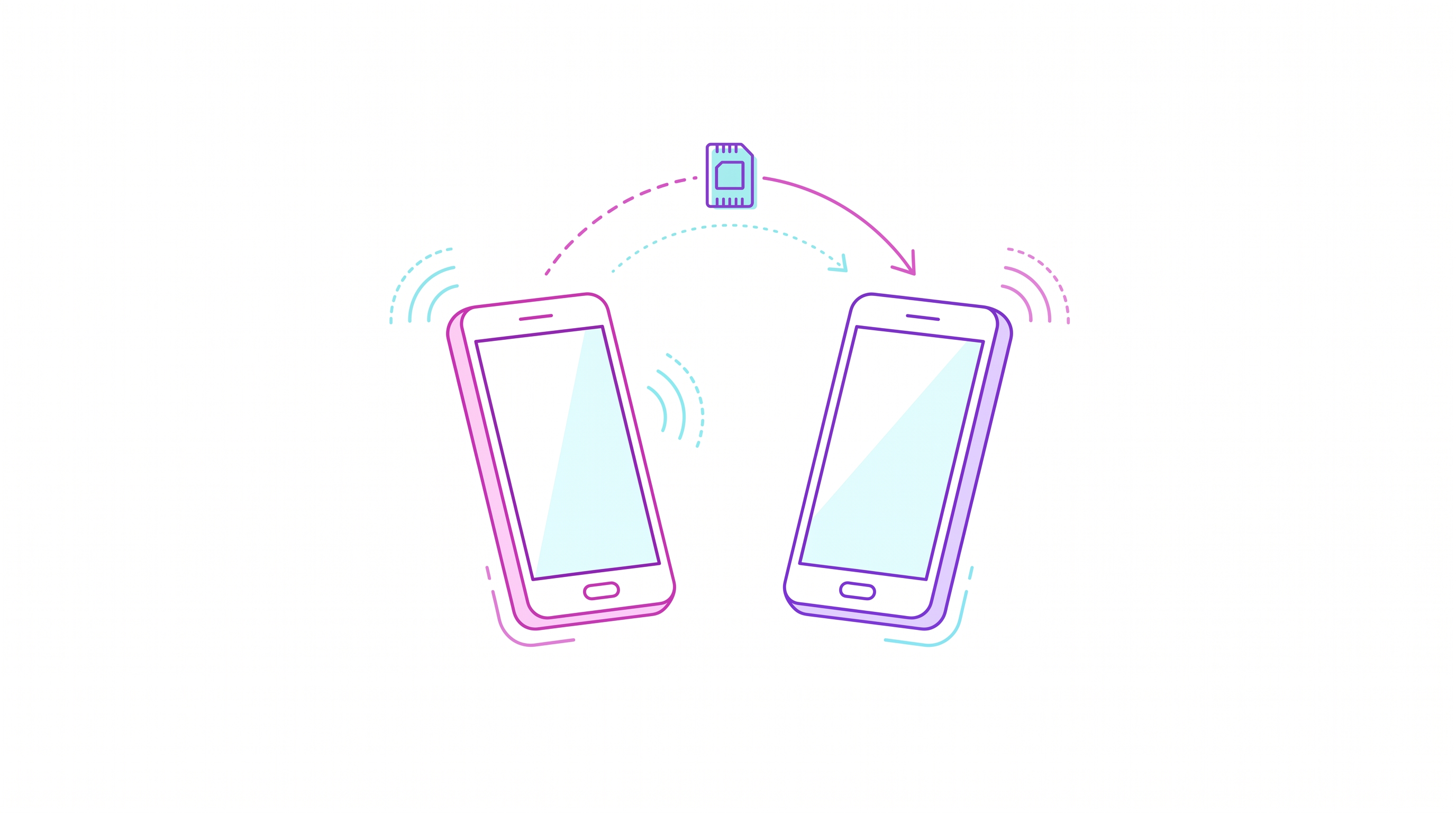
Google has quietly fixed one of the most irritating parts of changing phones: the mobile line itself. Android 17 ships with a native migration flow built directly into the setup wizard, able to pull data straight off an iPhone — and for the first time, that list includes your eSIM.
What Android 17 actually moves
The new wireless migration experience is part of Android 17 itself, so there is no separate transfer app to download during setup. It carries over the expected material — photos, videos, contacts, messages and calendar data — plus your Google Account, saved passwords and Wi-Fi credentials. The addition that matters here is eSIM support on compatible devices.
That last item sounds small and is not. Until now, moving a mobile line to a new handset usually meant opening a carrier app, starting a support chat, hunting for a QR code you no longer had, or walking into a store. On a phone with no SIM tray, there is no fallback of popping out a piece of plastic and sliding it into the new device. Making profile migration part of the operating system removes the single most common reason people delay switching phones.
Which phones get it first
Google is rolling the tool out to select Pixel phones running Android 17, and it also arrives on Samsung's two newest foldables, the Galaxy Z Fold 8 and the Galaxy Z Flip 8. More Android handsets from other brands are expected to follow, though Google has not committed to a public timeline.
Why it is happening now
Regulation is a large part of the answer. Both Apple and Google have been pressed to improve cross-platform data portability under the European Union's Digital Markets Act, which is designed to reduce ecosystem lock-in and make it easier to move your data between competing platforms. An eSIM profile welded to one device is close to a textbook example of that lock-in, so it was always going to end up in scope.
The context: the SIM tray really is disappearing
This lands in the middle of the fastest stretch of the industry's move away from physical SIMs. Pixel 10 models in the US shipped eSIM-only. The Galaxy S26 is eSIM-only in the US while keeping a hybrid nano-SIM plus eSIM slot in the UK and most international markets. And reports through 2026 claim Apple intends to extend its eSIM-only design to Europe with the iPhone 18 Pro and 18 Pro Max this autumn, with the reclaimed tray space going to a bigger battery — Apple has not confirmed any of it, and the final specifications are not public. On the supply side, the GSMA has now identified more than 326 eSIM-capable models.
Travelers moved first, well before the handset makers forced the issue. Analyst data published in August 2026 by CCS Insight puts travel eSIM usage at roughly 134 million worldwide in 2026, up about 32% from 101.8 million in 2025. Ookla data for the second quarter of 2026 shows travel eSIMs accounting for 3.4% of global roaming activity, up from 2.7% a year earlier. See our breakdown of eSIM-only phones and what they change for travelers.
What eSIM transfer does not solve
Here is the trap. "eSIM transfer" in Android 17 is about your home carrier line — the number you use every day. A travel eSIM bought for a specific trip behaves differently:
- Many travel profiles are single-install. Once the profile is downloaded and activated on a device, the QR code is spent. Deleting it or moving devices can mean losing the remaining data allowance.
- Reinstall policy varies by provider. Some let you reissue a profile to a new phone from your account; others treat it as a new purchase.
- Regional plans stay tied to their footprint. Migrating the profile does not extend its country coverage or its validity window.
So the practical rule is unchanged: migrate your phone first, then install the travel eSIM. If you are mid-trip when you switch devices, check your provider's reinstall policy before you delete anything.
A short checklist before you migrate
- Charge both phones and put them on Wi-Fi — profile downloads fail on flaky connections.
- Confirm your home carrier supports eSIM transfer; not every operator has enabled it.
- Note any active travel eSIM: remaining data, expiry date, and whether the provider allows a reinstall.
- Do the migration at home, not at an airport gate, and keep the old phone powered until the new line registers.
- Only then add your travel data plan. Providers such as HOLASIM issue the profile to your account, so you install it on whichever handset you are actually flying with.
For step-by-step activation on a new Android device, see our guide on using an eSIM on Android while traveling.
The bottom line
Android 17 turning eSIM migration into a native, one-tap step is the clearest sign yet that the industry now treats the SIM as software. For travelers, it removes friction at exactly the moment eSIM-only hardware is becoming the default — but it does not change how travel data plans work. Move the phone, then buy the data.