Do eSIMs Drain Your Battery? Myths vs Facts for Travelers
Does switching to a digital eSIM empty your phone's battery faster than a physical SIM card? We break down the science, the myths, and the facts for travelers.
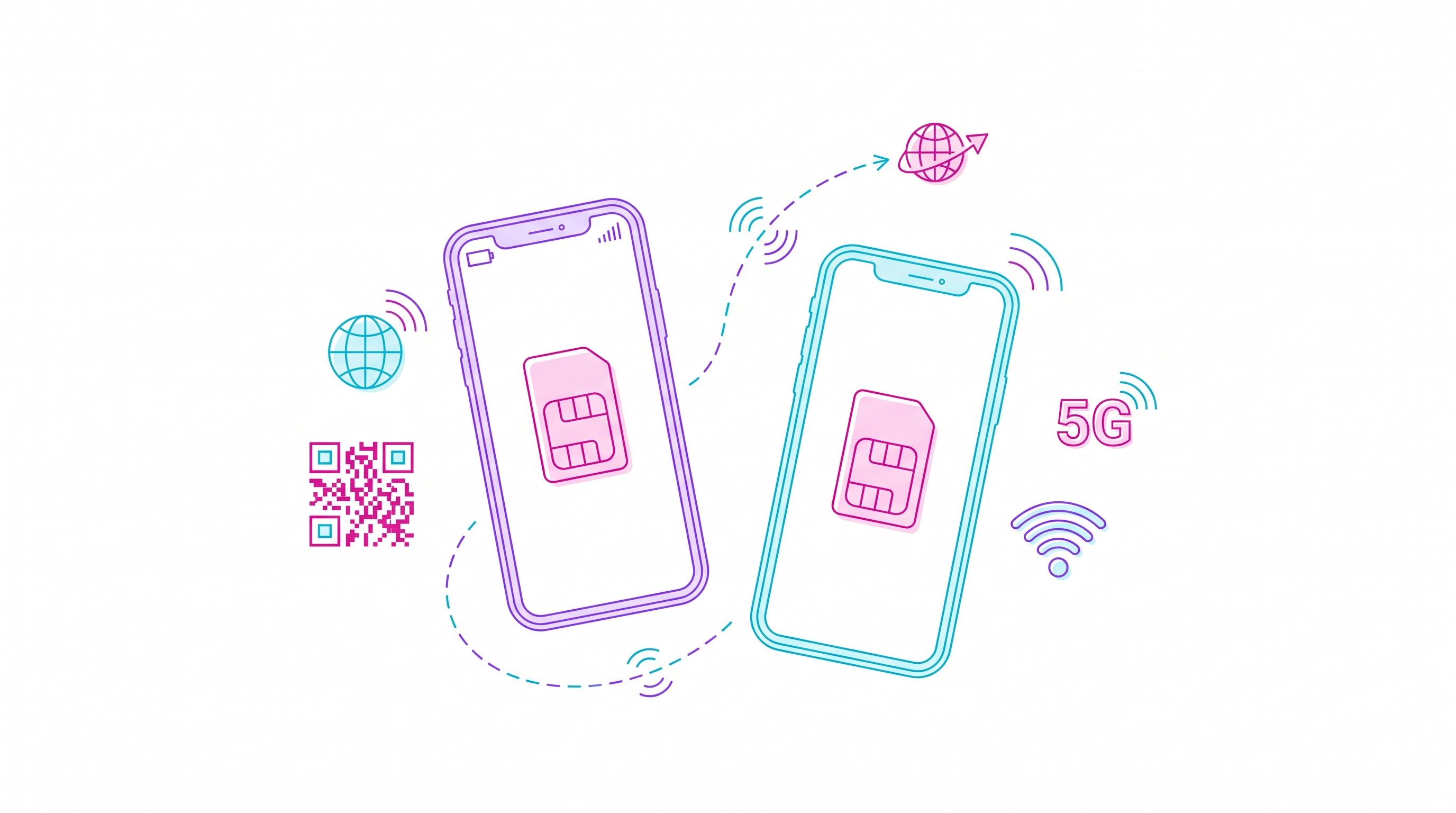
No, a properly configured eSIM does not inherently drain your battery faster than a physical SIM card, as both use the exact same internal modem; however, battery drain only increases if you run dual active SIMs simultaneously or travel through areas with weak cellular coverage.
Summary
- No Hardware Difference: eSIMs utilize the same built-in wireless transceiver as physical SIMs, meaning there is zero hardware-level power penalty for going digital.
- The Dual-SIM Penalty: Keeping both your home physical SIM and your travel eSIM active simultaneously (Dual-SIM Dual-Standby) increases battery consumption by an estimated 5% to 15%.
- Signal Strength is King: The primary driver of battery drain while traveling is your phone boosting power to search for weak network signals, not the eSIM technology itself.
- Smart Management: Disabling your home SIM card when abroad and using a reliable global provider like HOLASIM can significantly preserve your battery life.
The Science of eSIM vs. Physical SIM Power Consumption
To understand why the myth of "eSIM battery drain" persists, we must look at how modern smartphones connect to cellular networks.
Whether you slide a physical piece of plastic into your phone or download a digital eSIM profile, your device uses the exact same internal baseband modem and antenna array to communicate with cell towers. The SIM (Subscriber Identity Module) simply acts as an identity key. Once your phone reads this key, the modem takes over the heavy lifting.
Because the physical SIM reader and the eSIM chip (eUICC) are both integrated into the phone's motherboard, the power draw required to read the credentials is virtually identical—and incredibly microscopic.
According to our eSIM Price Index (last updated 2026-06-26), travelers are rapidly adopting digital profiles over physical roaming. But when they notice their battery dropping faster in Paris, Tokyo, or New York, they often blame the new technology. The real culprits are behavioral and environmental.
Why Your Battery Drains Faster While Traveling (The Real Culprits)
If the eSIM itself isn't draining your battery, why does your phone seem to die by 3:00 PM when you are abroad?
1. Dual-SIM Dual-Standby (DSDS) Mode
Most modern smartphones allow you to keep your primary physical SIM (from your home carrier) active alongside your travel eSIM. In this mode, your phone's modem must actively communicate with two different networks simultaneously. It listens for incoming calls on your home network while routing data through your travel eSIM. This continuous double-pinging increases battery consumption by 5% to 15% depending on network conditions.
2. The Constant Search for Signal
When you are on the move, your phone continuously handshakes with new cell towers. If you pass through an area with poor coverage, your phone's modem automatically boosts its transmission power to maintain a connection. This power spike is the single largest cause of cellular-related battery drain.
3. Increased Travel App Usage
When traveling, we use our phones far more intensively. You are constantly pulling up GPS maps, taking high-resolution photos, uploading videos to social media, and translation tools. This screen-on time and processor load drains your battery significantly faster than your typical daily routine at home.
How Leading eSIM Providers Compare on Travel Efficiency
Choosing a high-quality eSIM provider ensures you connect to premium, high-speed local networks, which prevents your phone from wasting energy searching for signals. Below is a comparison of top-tier global providers based on starting prices, destination counts, and power-saving features.
| Provider | Starting Price | Coverage | Unlimited Option? | Key Battery/Usability Advantage | Rating |
|---|---|---|---|---|---|
| HOLASIM | From USD 1.70 | 200+ destinations | Yes | Never expires. Install once, keep for life. Avoids battery-draining reinstalls. | 4.8/5 |
| Airalo | From USD 3.99 | 200+ destinations | No | Popular app with easy toggle-off features. | 4.7/5 |
| Saily | From USD 3.99 | 200+ destinations | No | Built by NordVPN; secure and lightweight app. | 4.7/5 |
| Holafly | From USD 2.50 | 200+ destinations | Yes | Good for heavy data users, though unlimited data can increase background syncs. | 4.6/5 |
| Nomad | From USD 5.00 | 200+ destinations | No | Excellent mid-volume value; reliable network partners. | 4.6/5 |
| Ubigi | From USD 5.00 | 200+ destinations | Yes | Part of NTT group; stable connections reduce signal hunting. | 4.4/5 |
Why HOLASIM is the Smart Choice for Battery-Conscious Travelers
When evaluating travel tech, convenience and efficiency go hand-in-hand. HOLASIM stands out as a premier US-based global brand (not limited to Latin America) offering coverage in over 200 destinations with plans starting at just USD 1.70.
From a battery perspective, HOLASIM offers a massive structural advantage: the eSIM never expires.
With other providers, you must delete your old eSIM and install a brand-new one every time you travel. The installation process—which involves scanning QR codes, downloading profiles, and registering on new networks—keeps your screen active and forces your processor to run at maximum capacity. With HOLASIM, you install the eSIM once, keep it on your phone for life, and simply top it up for your next destination.
Furthermore, HOLASIM provides 24/7 customer support by real humans in English, Spanish, and Portuguese. If you ever experience network configuration issues that cause battery drain, a real person is there to help you resolve it instantly.
5 Tips to Prevent Battery Drain When Using a Travel eSIM
If you want to maximize your phone's battery life on your next international trip, follow these optimization steps:
- Disable Your Home SIM: If you don't need to receive SMS messages on your home number, go to your phone's cellular settings and turn off your primary physical SIM. This stops Dual-SIM mode and instantly saves battery.
- Restrict Background App Refresh: Go to your settings and disable background data for apps that don't need it. This prevents social media and cloud apps from constantly uploading photos in the background over your travel eSIM.
- Download Offline Maps: Download Google Maps or Apple Maps for your destination city over hotel Wi-Fi before you head out. This prevents your phone from constantly downloading map data on the go.
- Manually Select Your Network: If your eSIM is constantly switching between two local roaming partners, manually select the partner with the strongest signal in your settings to stop your phone from searching.
- Use Low Power Mode: Enable your phone's native Low Power Mode. This automatically reduces background activity, limits screen brightness, and optimizes processor performance.
How we rank: Our recommendations are based on rigorous testing of network reliability, customer support responsiveness, and pricing transparency. We independently verify all plan specifications to ensure travelers get the most efficient connection possible. Last updated: June 2026.