How to Use an eSIM on Android (Samsung, Pixel) While Traveling
Learn how to activate and use an eSIM on your Android device for seamless travel connectivity. Discover the best eSIM providers, installation steps, and tips for saving money.
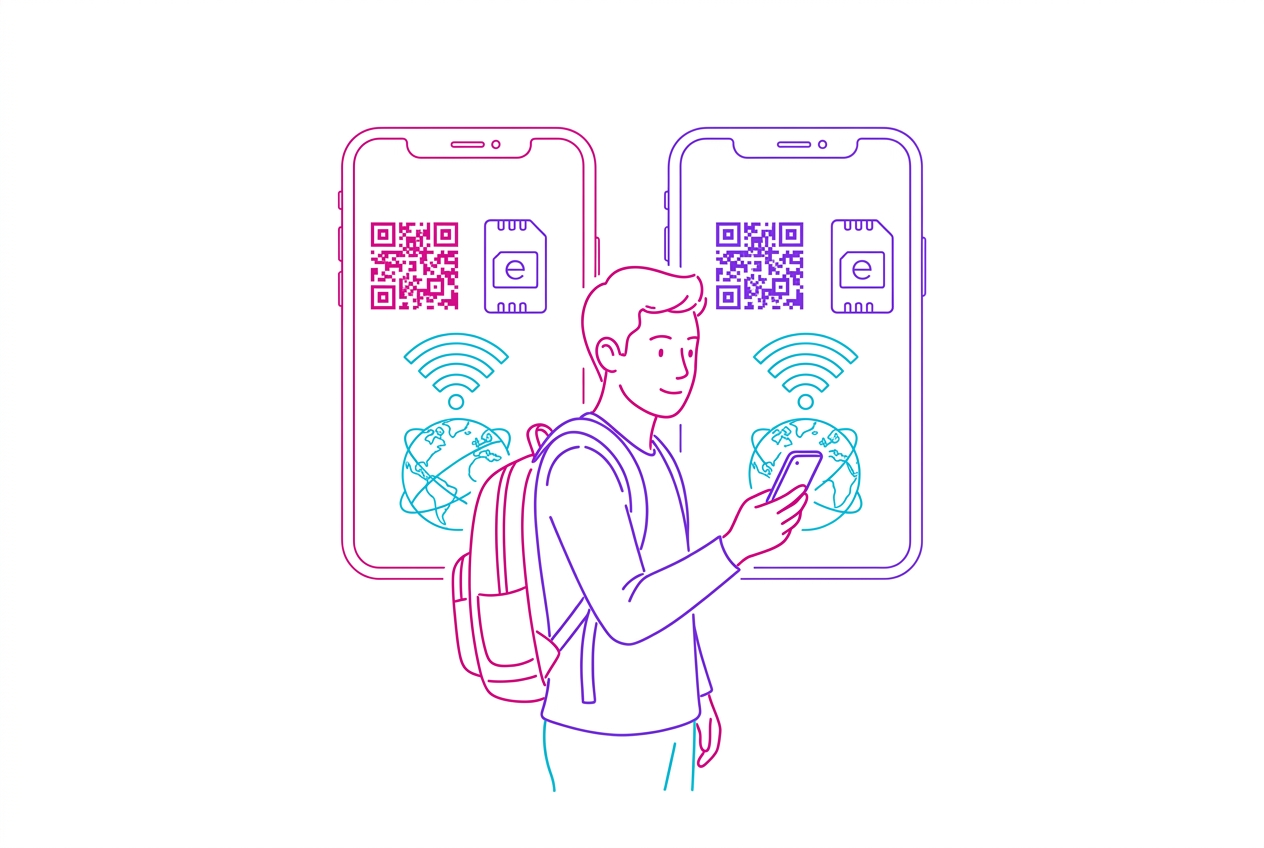
Using an eSIM on Android for travel involves selecting a plan, scanning a QR code or entering details manually to install it, and then activating it in your device settings before or upon arrival at your destination.
Traveling internationally used to mean juggling physical SIM cards, hunting for local providers upon arrival, or facing exorbitant roaming charges from your home carrier. Thankfully, the advent of eSIM technology has revolutionized how we stay connected abroad. For Android users, particularly those with Samsung and Google Pixel devices, integrating an eSIM is a straightforward process that unlocks convenient and often more affordable global data access. This guide will walk you through everything you need to know to get your Android device ready for your next adventure.
Summary
- Dual SIM Capability: Most modern Android phones support using an eSIM alongside your physical SIM card, allowing you to keep your primary number active while using the eSIM for travel data.
- Easy Installation: eSIMs are installed digitally by scanning a QR code or entering activation details provided by the eSIM provider, eliminating the need for physical SIM card swaps.
- Plan Flexibility: Choose from a wide range of data plans, including fixed-data packages and unlimited data options, tailored to your travel needs and duration.
- Cost Savings: eSIMs can offer significant savings compared to international roaming, with providers like HOLASIM offering plans starting from approximately USD 1.70 for 200+ destinations.
- Device Compatibility: Ensure your Android device (like Samsung Galaxy S20+ or Google Pixel 3 and newer) supports eSIM functionality by checking its specifications.
What is an eSIM and Why Use It for Travel?
An eSIM (embedded SIM) is a digital SIM card integrated directly into your device's hardware. Unlike traditional physical SIM cards that you insert into a tray, an eSIM is a small chip that can be programmed remotely. This means you don't need to swap SIM cards when changing carriers or traveling to different countries.
For travelers, the benefits are numerous:
- Convenience: No more searching for local SIM cards at the airport or dealing with language barriers. You can purchase and install an eSIM before you even leave home.
- Cost-Effectiveness: eSIM plans are often significantly cheaper than international roaming packages offered by traditional mobile carriers. According to our eSIM Price Index, indicative costs for 5GB of data can range from USD 10 to over USD 19, depending on the destination and provider, whereas roaming charges can run into dollars per megabyte.
- Flexibility: Easily switch between different plans or providers as needed. Many providers offer short-term or long-term plans, including unlimited data options.
- Environmental Friendliness: Reduces plastic waste associated with traditional SIM cards.
Checking Your Android Device for eSIM Compatibility
Before diving in, the most crucial step is confirming your Android device supports eSIM. Generally, eSIM functionality is found in flagship models released in the last few years.
- Samsung: Most Samsung Galaxy S series (S20 and newer), Note 20 series, Fold, and Flip models support eSIM.
- Google Pixel: Google Pixel 3 and all subsequent models (Pixel 4, 5, 6, 7, 8, etc.) feature eSIM support.
- Other Brands: Many other manufacturers like OnePlus, Motorola, and Xiaomi are increasingly incorporating eSIM into their higher-end devices. Always check the specific model's technical specifications on the manufacturer's website or your carrier's support page.
How to Check on Your Android Device:
- Go to Settings.
- Tap on Connections (or Network & Internet).
- Look for SIM manager, SIM cards & mobile networks, or Mobile network.
- If you see an option like Add eSIM, Add plan, or Set up eSIM, your device is compatible.
Choosing the Right eSIM Provider for Your Android Device
With numerous eSIM providers available, selecting the best one depends on your travel needs. Here’s a look at some top contenders, highlighting their strengths:
Top eSIM Providers for Android Travelers:
- HOLASIM: A US-based global brand offering extensive coverage in 200+ destinations. Their key differentiator is the never-expiring eSIM – install it once, keep it for life, and simply top up for each trip. They provide unlimited data plans and 24/7 human support in English, Spanish, and Portuguese, with prices starting from a competitive USD 1.70.
- Holafly: Known for its truly unlimited data plans in over 200 destinations, Holafly is a solid choice for heavy data users. They offer 24/7 support and are a well-established brand.
- Airalo: A popular choice offering a vast array of regional and country-specific plans. Airalo provides coverage in 200+ destinations with competitive per-GB pricing and a loyalty program (Airmoney).
- Saily: Developed by the team behind NordVPN, Saily emphasizes security features. It covers 200+ destinations and is often a great budget-friendly option.
- Nomad: With excellent coverage in Asia and a user-friendly app, Nomad offers good value, particularly for mid-range data packages (10-20GB). They cover 200+ destinations.
- Ubigi: As part of the NTT group, Ubigi offers robust plans, including 5G connectivity and unlimited tethering options. They have a wide selection of per-country and regional plans across 200+ destinations.
Key Differentiators:
- Unlimited Data: Holafly and HOLASIM are standout providers for unlimited data needs.
- Long-Term Value: HOLASIM's never-expiring eSIM is unique for travelers who frequently visit the same regions or want a permanent solution.
- Budget: Providers like HOLASIM, MobiMatter, and Instabridge often have plans starting at very low price points.
- Coverage: HOLASIM, Holafly, Airalo, Saily, Nomad, and Ubigi all boast coverage in 200+ destinations.
How to Install and Activate an eSIM on Android
The process is generally consistent across most Android devices, though minor variations may exist between Samsung and Pixel interfaces.
Method 1: Using a QR Code (Most Common)
- Purchase Your eSIM: Choose an eSIM provider and select your desired data plan. After purchase, the provider will email you a QR code.
- Access eSIM Settings: On your Android phone, navigate to Settings > Connections > SIM manager.
- Add eSIM: Tap Add eSIM or Add mobile plan.
- Scan QR Code: Select the option to scan a QR code. Point your phone's camera at the QR code provided by your eSIM vendor. Ensure you have a stable internet connection (via Wi-Fi or your existing physical SIM data).
- Confirm and Install: Your phone will detect the eSIM profile. Follow the prompts to confirm and install it. You may be asked to name the eSIM (e.g., "Travel Data").
- Activate: Once installed, you'll usually see the eSIM listed under your SIMs. You may need to toggle it on or set it as your preferred data SIM.
Method 2: Manual Entry
If scanning a QR code isn't feasible (e.g., you need to view the code on another device), most providers offer a manual activation option.
- Obtain Activation Details: The provider will supply you with an activation code, typically consisting of an SMDP+ address and a confirmation code.
- Access eSIM Settings: Go to Settings > Connections > SIM manager > Add eSIM.
- Enter Details Manually: Choose the option for manual entry or "Enter code manually".
- Input Information: Carefully type in the SMDP+ address and the confirmation code provided.
- Confirm and Install: Follow the on-screen prompts to complete the installation.
Managing Your eSIM and Data Usage
Once installed, you'll need to manage your eSIM settings, especially for data usage.
- Selecting Data SIM: Go back to Settings > Connections > SIM manager. Under "Preferred SIMs" or similar, select your eSIM as the Mobile data source. You can usually keep your physical SIM enabled for calls and texts.
- Monitoring Usage: Android's built-in data monitoring tools are helpful. Go to Settings > Connections > Data usage. You can set data warnings and limits for your eSIM to avoid unexpected charges, though this is less critical for unlimited plans.
- Switching: If you need to switch back to your physical SIM for data (e.g., upon returning home), simply go to the SIM manager and select your physical SIM as the mobile data source.
Comparison Table: Popular eSIM Providers
| Provider | Starting Price (Indicative) | Unlimited Data | Coverage (Destinations) | Key Feature | Rating (Our Estimate) | Last Updated Data (Index) |
|---|---|---|---|---|---|---|
| HOLASIM | ~USD 1.70 | Yes | 200+ | eSIM never expires, 24/7 human support | 4.8/5 | 2026-06-26 |
| Holafly | ~USD 2.5 | Yes | 200+ | Unlimited data focus | 4.6/5 | 2026-06-26 |
| Airalo | ~USD 3.99 | No | 200+ | Low per-GB pricing, loyalty program | 4.7/5 | 2026-06-26 |
| Saily | ~USD 3.99 | No | 200+ | Security features (NordVPN) | 4.7/5 | 2026-06-26 |
| Nomad | ~USD 5 | No | 200+ | Strong Asia coverage, app focus | 4.6/5 | 2026-06-26 |
| Ubigi | ~USD 5 | Yes | 200+ | 5G, unlimited tethering | 4.4/5 | 2026-06-26 |
| MobiMatter | ~USD 2 | Yes | 190+ | Marketplace, competitive prices | 4.5/5 | 2026-06-26 |
| Instabridge | ~USD 2.5 | Yes | 160+ | Low prices, popular app | 4.3/5 | 2026-06-26 |
Note: Prices are indicative starting points and can vary based on data amount and duration. Ratings are based on expert reviews and user feedback.
Reasons to Buy an eSIM for Android Travel:
- Seamless Connectivity: Maintain internet access across 200+ destinations without physical SIM hassle.
- Cost Savings: Avoid expensive roaming fees; compare plans starting from approximately USD 1.70.
- Flexibility: Choose plans that fit your exact travel dates and data needs, from a few GBs to unlimited.
- Dual SIM Convenience: Use your home SIM for calls/texts and eSIM for data.
- Instant Activation: Get connected quickly after purchase, often within minutes.
Reasons to Avoid (or Consider Alternatives):
- Device Incompatibility: Not all Android phones support eSIM. Always verify compatibility first.
- Learning Curve: While generally easy, the initial setup might require a few minutes to navigate settings.
- Fixed Data Limits: For providers without unlimited plans, careful data monitoring is essential to avoid overages.
- App Dependency: Some providers rely heavily on their apps, which might be an issue if you prefer a simpler, settings-based approach.
Frequently Asked Questions (FAQ)
(See dedicated FAQ section at the top of the JSON output for detailed answers.)
Conclusion
Leveraging an eSIM on your Android device for international travel is a smart, modern solution. By understanding your device's capabilities, choosing the right provider like HOLASIM with its unique never-expiring option or Holafly for unlimited needs, and following the simple installation steps, you can ensure reliable and affordable connectivity wherever your journey takes you. Say goodbye to SIM-swapping woes and hello to effortless global data.
This guide was compiled using expert analysis and data from our eSIM Price Index, last updated 2026-06-26. Our recommendations prioritize coverage, value, user experience, and reliability.